



Description
Sound familiar?
- Month end means an evening with a calculator and the till roll.
- Stylists ask how their commission was worked out and you are not quite sure.
- Refunds, retail and VAT make the numbers messy.
What the Hair Commission Calculator does
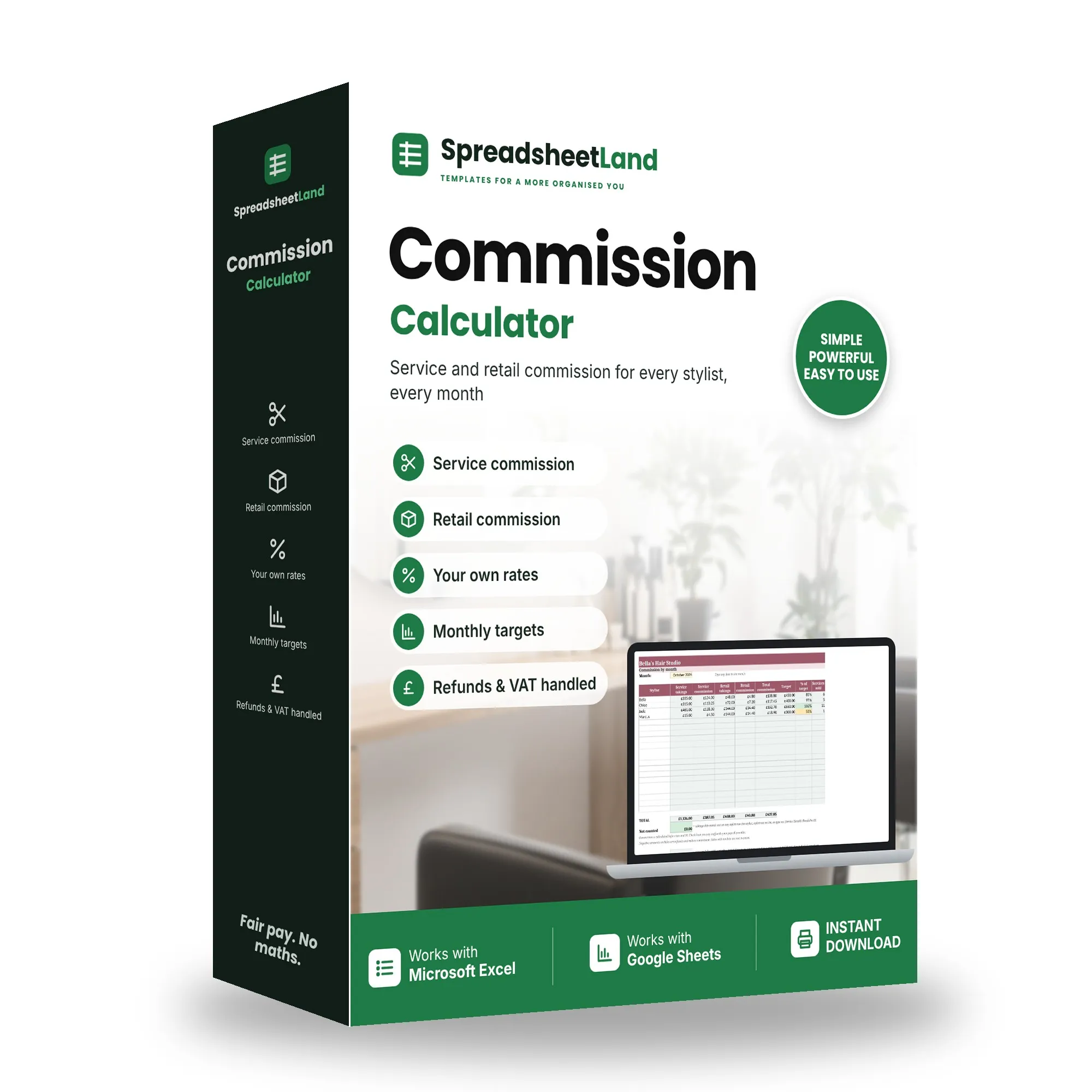
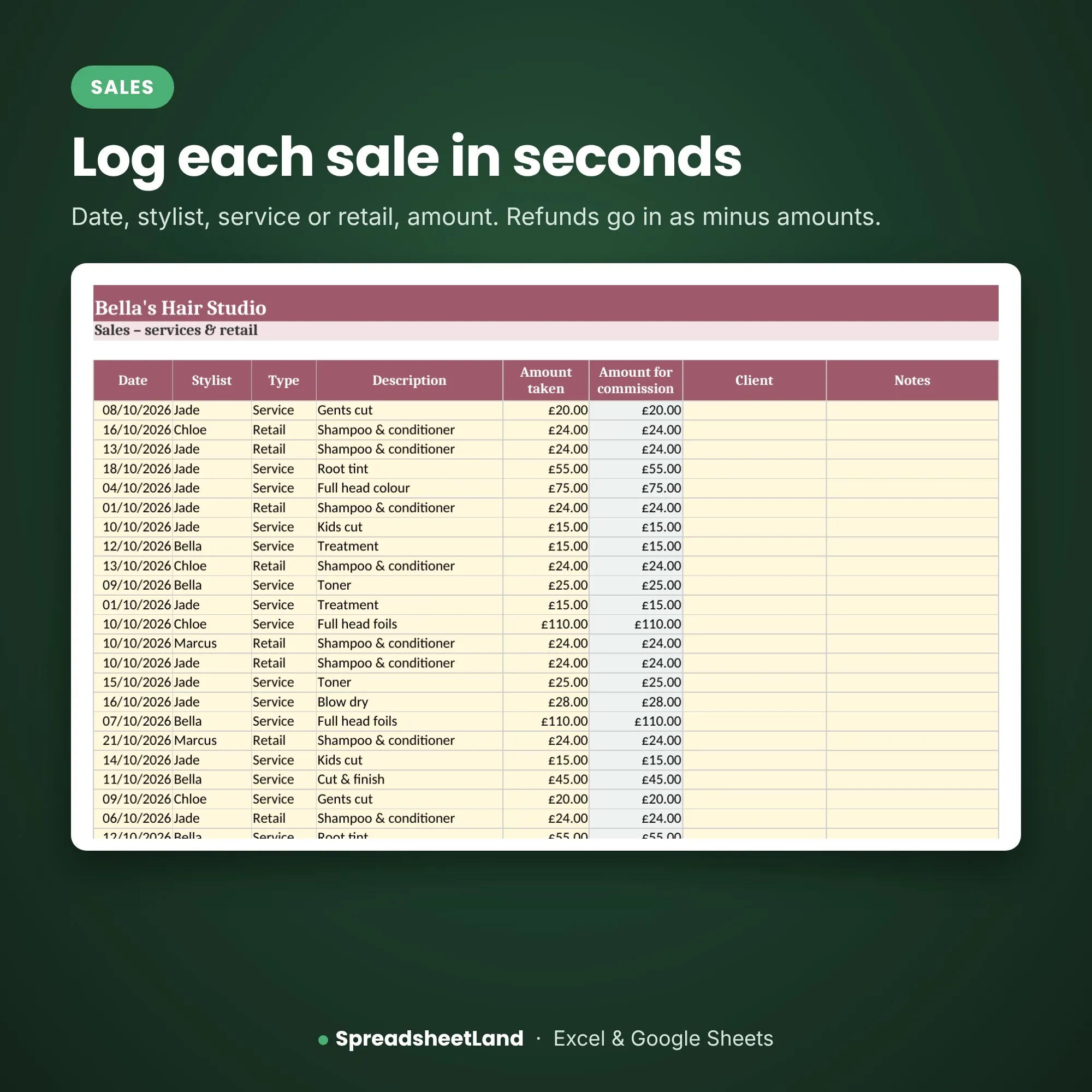
Log each sale on one tab: date, stylist, service or retail, and the amount. Pick any month and the sheet works out each stylist’s service and retail commission at their own rates, their total, and how close they are to their monthly target. Refunds go in as minus amounts. If you are VAT registered you can choose whether commission is paid on prices with or without VAT.
What’s inside
- How to use – step-by-step instructions and what every colour and warning means
- Settings – your stylists, their service % and retail %, monthly targets and the VAT setting
- Sales – one row per sale or refund
- Commission – pick a month: takings, commission, total, % of target and services sold per stylist, ready to print
Format
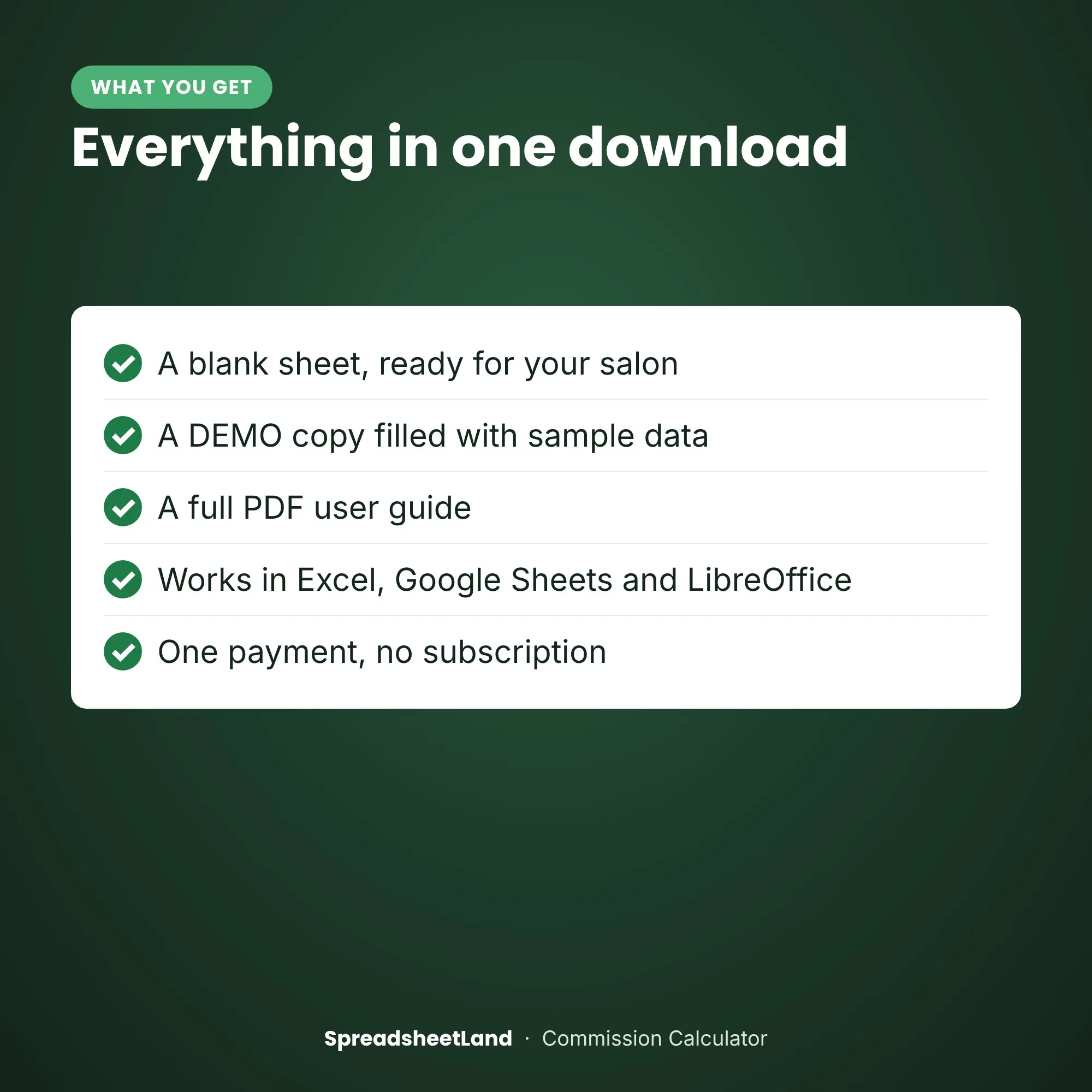
- Your blank spreadsheet (.xlsx, UK edition), ready for your salon
- A filled-in DEMO copy, so you can see every tab working before you start
- A full PDF user guide: set-up, every tab explained, a routine, the rules that apply and answers to common questions
- Works in Microsoft Excel (Windows and Mac) and Google Sheets
- No macros, nothing to install, no subscription
- Yellow boxes are for you to fill in; the rest works itself out
Mix & match: pick any of our hair salon sheets on this page – any 3 for 15% off, any 5 for 25% off. The discount is added in your basket.
How it works
- Buy and download the file straight away.
- Open it in Excel, or upload it to Google Sheets.
- Open the DEMO and the PDF guide to see how it works, then fill in Settings on your blank copy and start typing your own.
Please note
This is a digital product — nothing will be posted. A calculation aid, not tax or payroll advice. Commission is worked out before tax and National Insurance. For use in your own business only — please don’t resell or share the file.
Questions before you buy? Email hello@spreadsheetland.com — happy to help!
Hair Commission Calculator FAQ
Can each stylist have a different rate?
Yes. Every stylist has their own service % and retail %, plus a monthly target.
Does it work out tax or National Insurance?
No. Commission is worked out before tax and National Insurance. Pay staff through your normal payroll; this is a calculation aid, not tax advice.
What about refunds?
Type them as a minus amount. They come off that stylist’s takings and commission, and aren’t counted as services sold.
Do I need Microsoft Excel?
No. It works in Microsoft Excel, or free in Google Sheets.
Is it a subscription?
No. It is a one-off payment and the file is yours to keep. There are no monthly fees.
I’m not good with spreadsheets. Is this for me?
Yes. You type into the yellow boxes and everything else works itself out. There are no formulas to write, and the PDF guide walks you through it.
Can I see it before I buy?
Yes. Look through the screenshots above. Your download includes a filled-in DEMO copy and a full PDF guide as well as the blank spreadsheet, so you can see exactly how it works before adding your own.
Does it work on a Mac, iPad or phone?
Yes on a Mac: use Excel for Mac, or open it free in Google Sheets in your web browser. On an iPad or phone you can open it in the free Excel or Google Sheets app, but a computer is easier for setting it up.
Can I get a refund?
Because it is an instant digital download, I can’t offer a refund once the file has been downloaded. If the file is faulty and I can’t fix it, you were charged twice, or you received the wrong product, I will put it right or refund you. See the Refund Policy. This doesn’t affect your statutory rights.
How do I get my file?
It is an instant digital download. You will get a download link straight after checkout, and by email.
What if I get stuck?
Email hello@spreadsheetland.com and I will help you get set up.



Reviews
There are no reviews yet.