

Description
Sound familiar?
- You run out of something on a Saturday night.
- Over-ordering means food in the bin and cash tied up on the shelves.
- You have no idea what wastage is really costing you.
What the Stock Control Sheet does
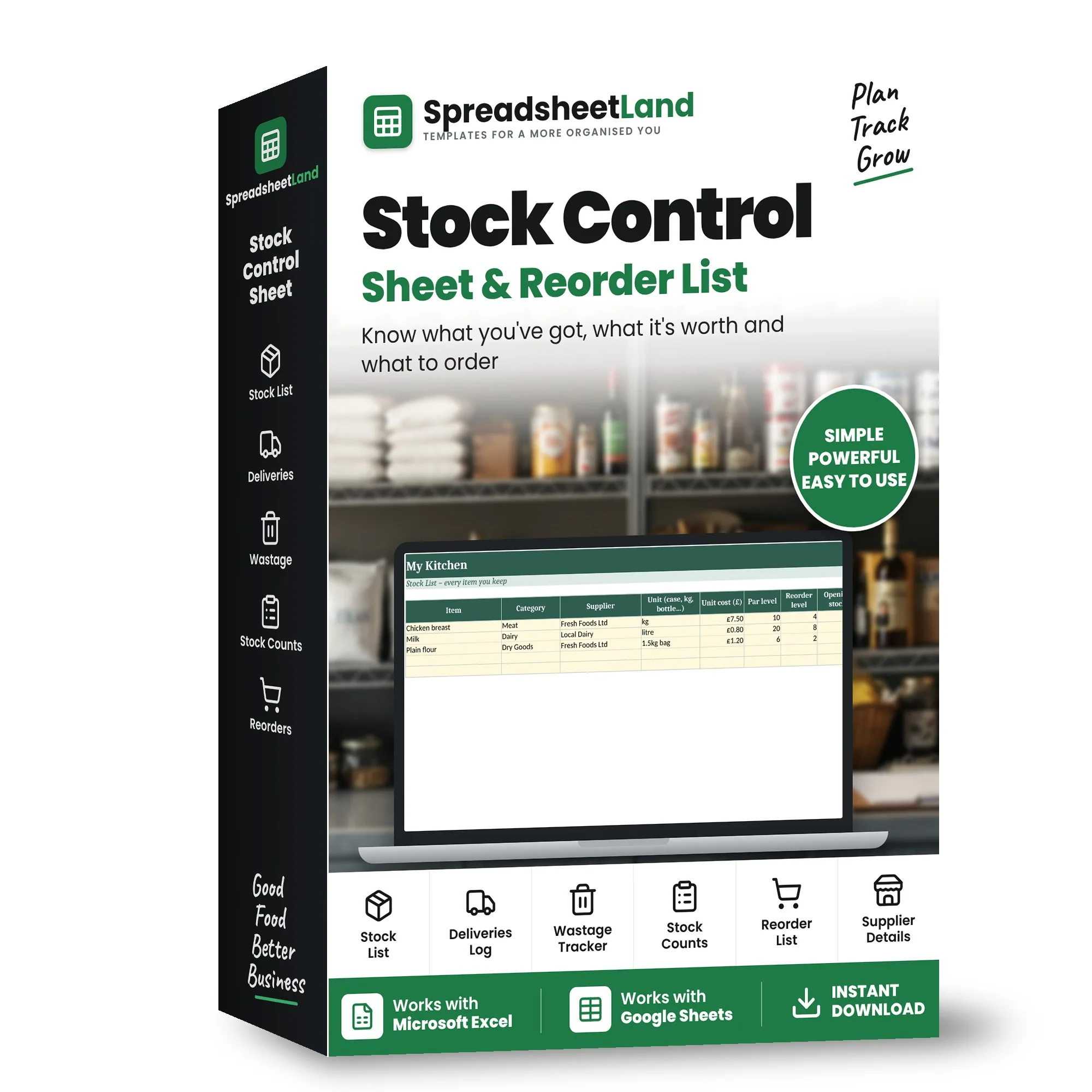
Keep a list of everything you stock and who you buy it from. Log deliveries, wastage and stock counts, and it works out roughly how much of each item you have now, what it's worth, and what needs reordering. The Dashboard shows your stock value and what you've spent and wasted in the last 30 days.
What’s inside
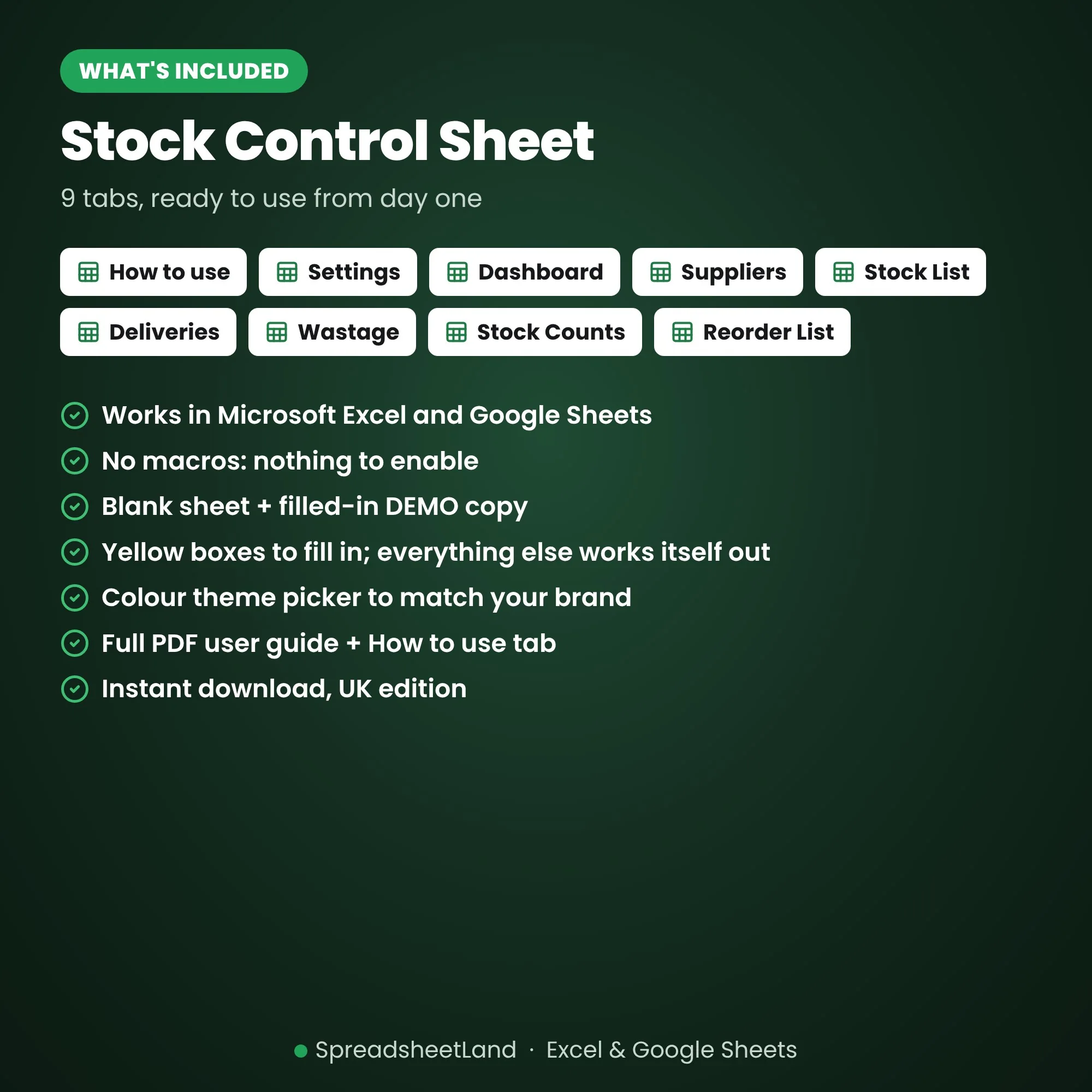
- How to use – step-by-step instructions and what the colours mean
- Settings – your business name, lists for the drop-downs and a colour theme picker
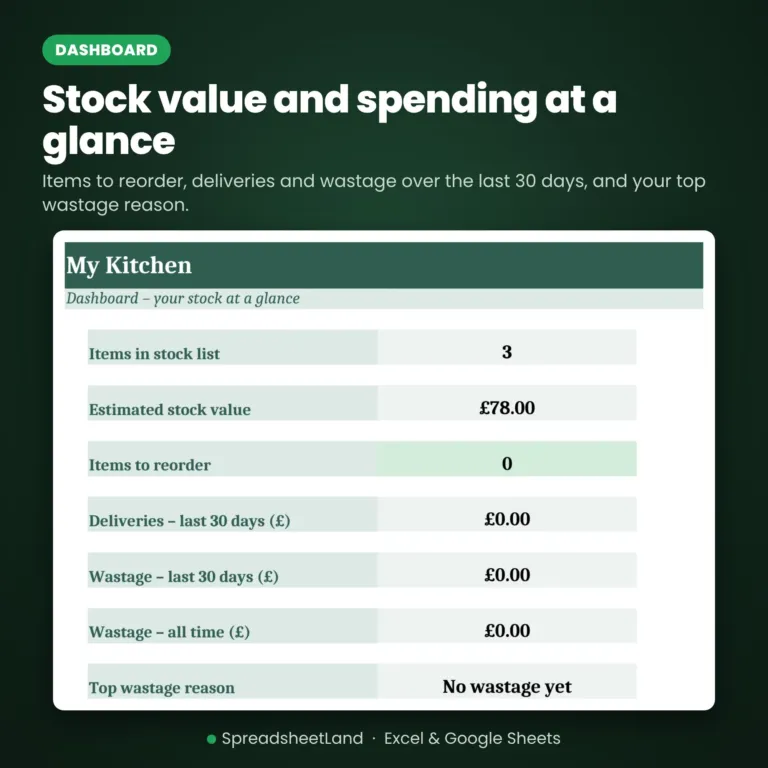
- Dashboard – stock value, items to reorder, deliveries and wastage over 30 days, top wastage reason
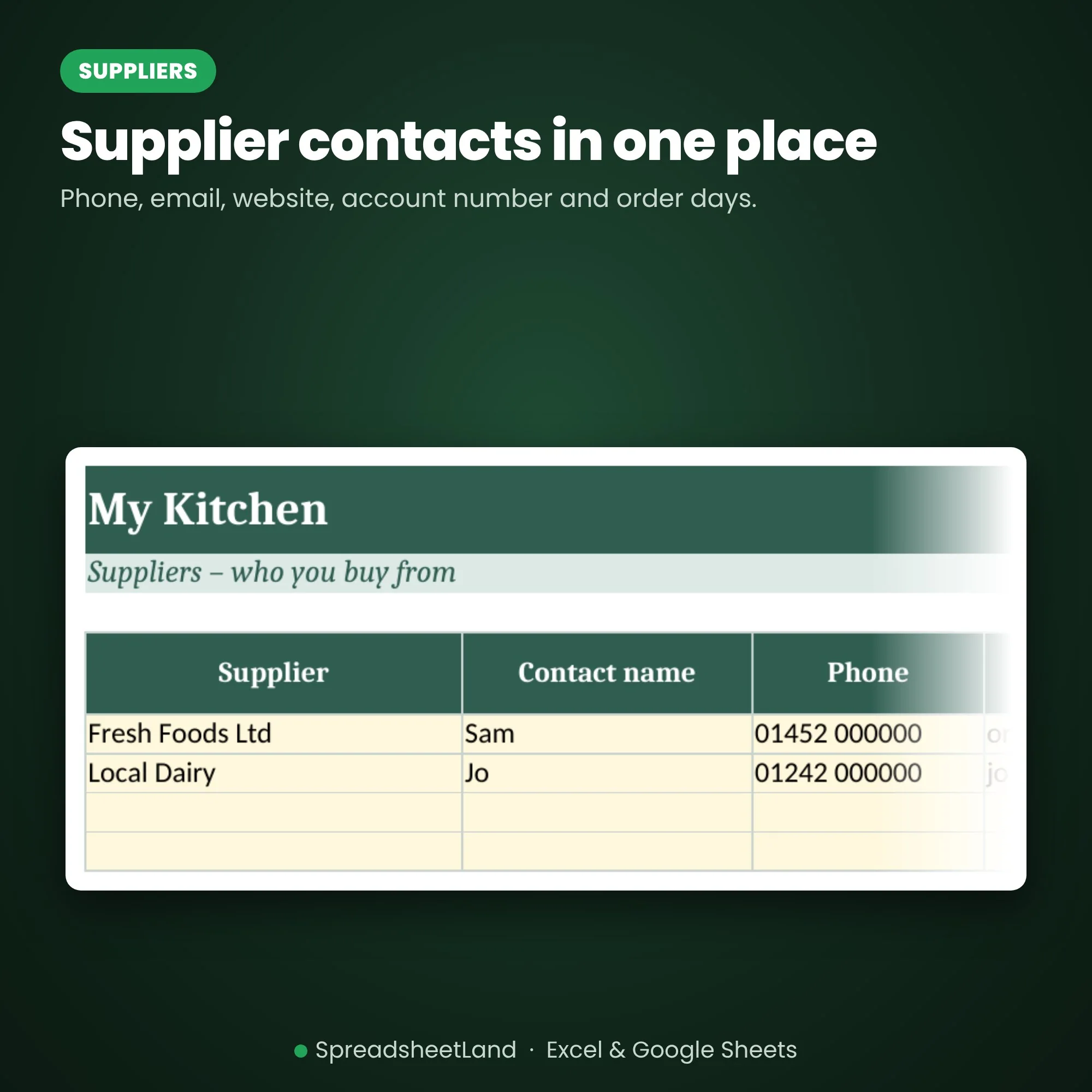
- Suppliers – contacts, account numbers and order days
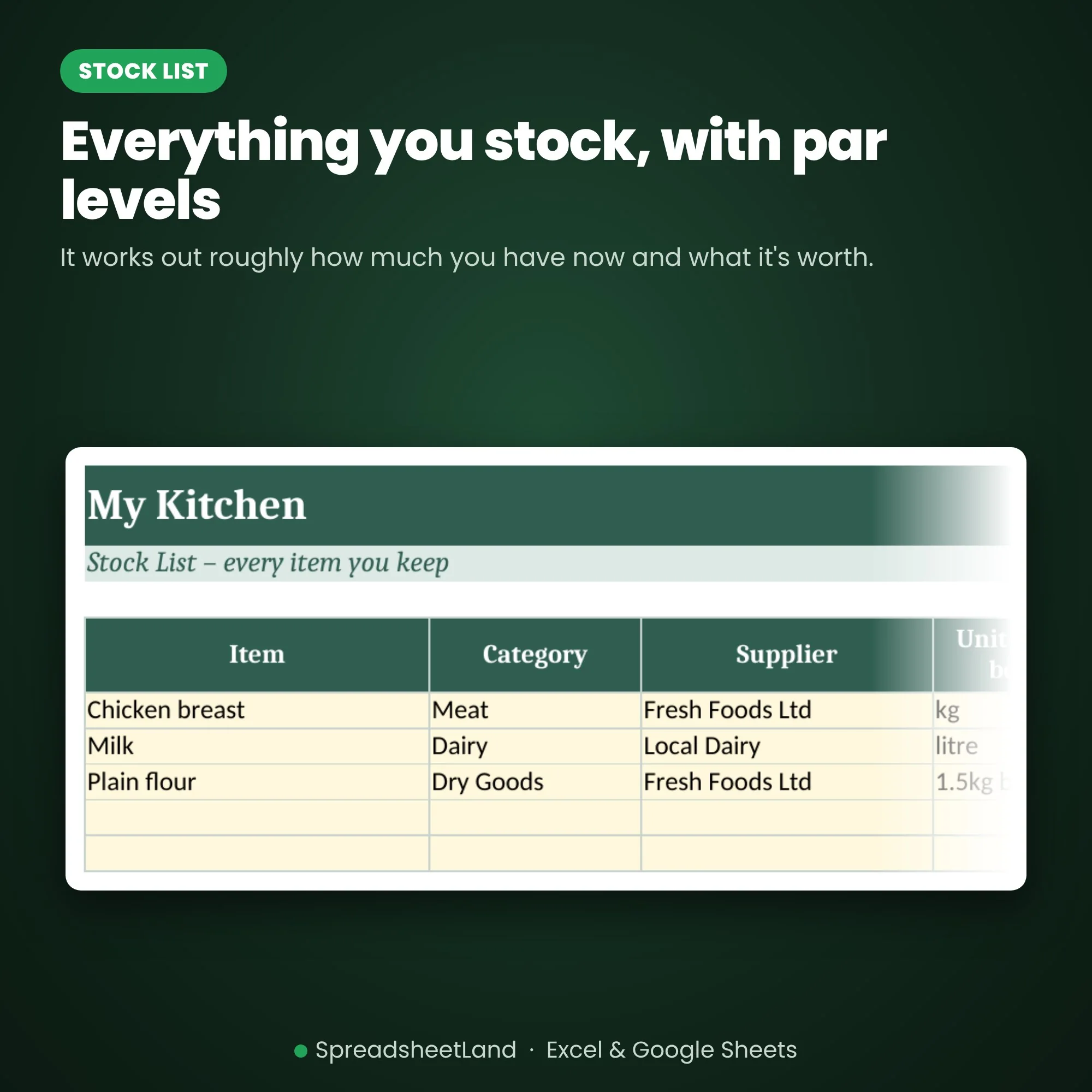
- Stock List – items, units, costs, par and reorder levels, estimated stock and value
- Deliveries – everything that comes in
- Wastage – what was binned and why
- Stock Counts – record each count
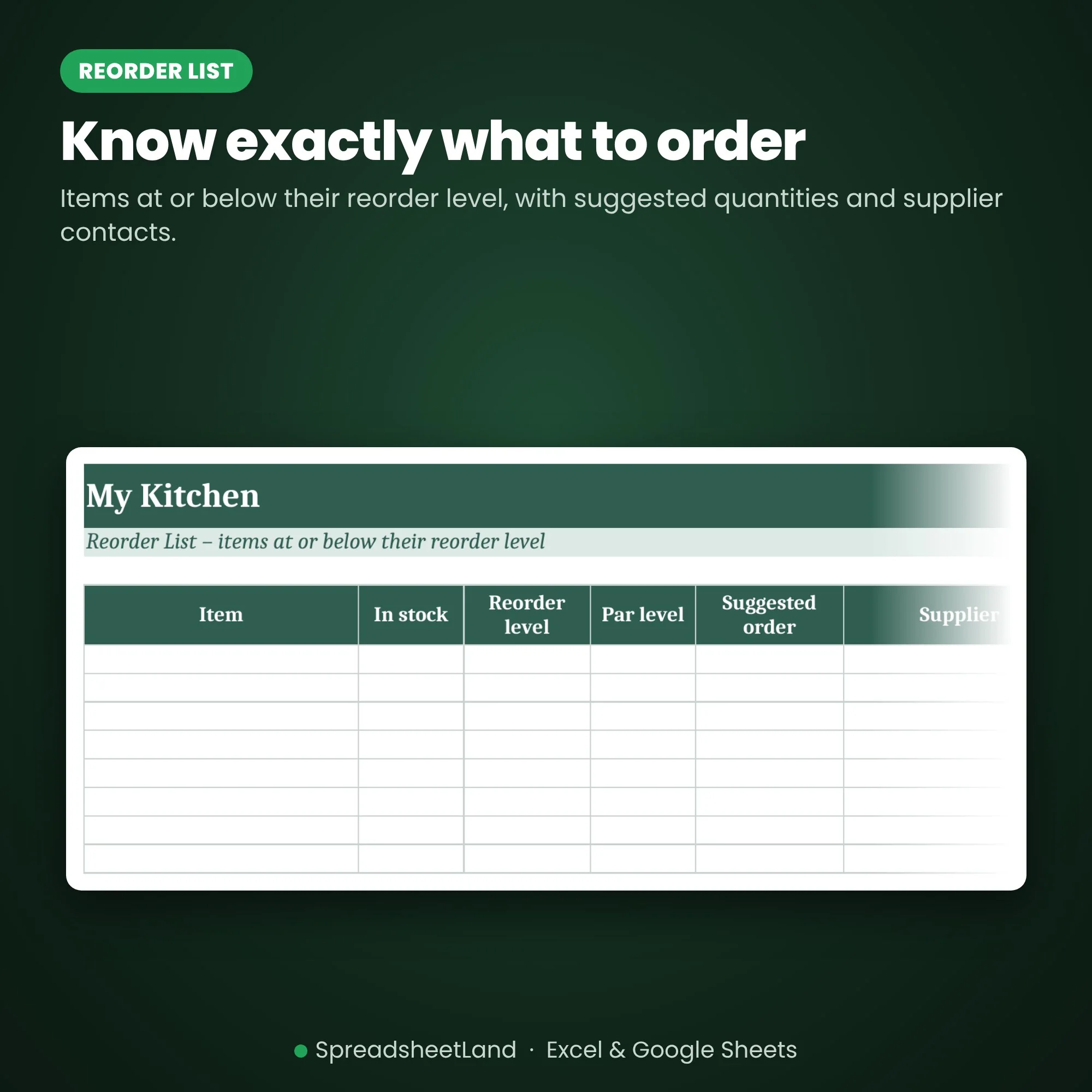
- Reorder List – items at or below their reorder level, with suggested quantities
Format
- Your blank spreadsheet (.xlsx, UK edition), ready for your business
- A filled-in DEMO copy, so you can see every tab working before you start
- A full PDF user guide: set-up, every tab explained, a daily routine, the rules that apply and answers to common questions
- Works in Microsoft Excel (Windows and Mac) and Google Sheets
- No macros, nothing to install, no subscription
- Yellow boxes are for you to fill in; pale green boxes work themselves out
How it works
- Buy and download the file straight away.
- Open it in Excel, or upload it to Google Sheets.
- Open the DEMO and the PDF guide to see how it works, then fill in Settings on your blank copy and start typing your own.
Please note
This is a digital product — nothing will be posted. It is a record-keeping template, not legal, tax or food safety advice. For use in your own business only — please don’t resell or share the file.
Questions before you buy? Message me any time — happy to help!
Stock Control Sheet FAQ
Is the stock figure exact?
It is an estimate: your last count, plus deliveries, minus wastage since then. A regular stock count keeps it accurate. It does not take sales from a till.
Can I use it for the bar as well as the kitchen?
Yes. Use categories (e.g. Meat, Dairy, Spirits, Wine) to keep things organised.
Do I need Microsoft Excel?
No. It works in Microsoft Excel, or free in Google Sheets.
Is it a subscription?
No. It is a one-off payment and the file is yours to keep. There are no monthly fees.
I'm not good with spreadsheets. Is this for me?
Yes. You type into the yellow boxes and everything else works itself out. There are no formulas to write, and the How to use tab walks you through it.
Can I see it before I buy?
Yes. Look through the screenshots above. Your download includes a filled-in DEMO copy and a full PDF guide as well as the blank spreadsheet, so you can see exactly how it works before adding your own.
Does it work on a Mac, iPad or phone?
Yes on a Mac: use Excel for Mac, or open it free in Google Sheets in your web browser. On an iPad or phone you can open it in the free Excel or Google Sheets app, but a computer is easier for setting it up.
Can I get a refund?
Because it is an instant digital download, I can’t offer a refund once the file has been downloaded. If the file is faulty and I can’t fix it, you were charged twice, or you received the wrong product, I will put it right or refund you. See the Refund Policy. This doesn’t affect your statutory rights.
How do I get my file?
It is an instant digital download. You will get a download link straight after checkout, and by email.
What if I get stuck?
Message me any time and I will help you get set up.



Reviews
There are no reviews yet.