

Description
Sound familiar?
- Prices creep up and you only notice when the job loses money.
- Comparing a 25kg bag with a 20kg bag in your head.
- Quoting with prices that are months old.
What the Materials Price List does
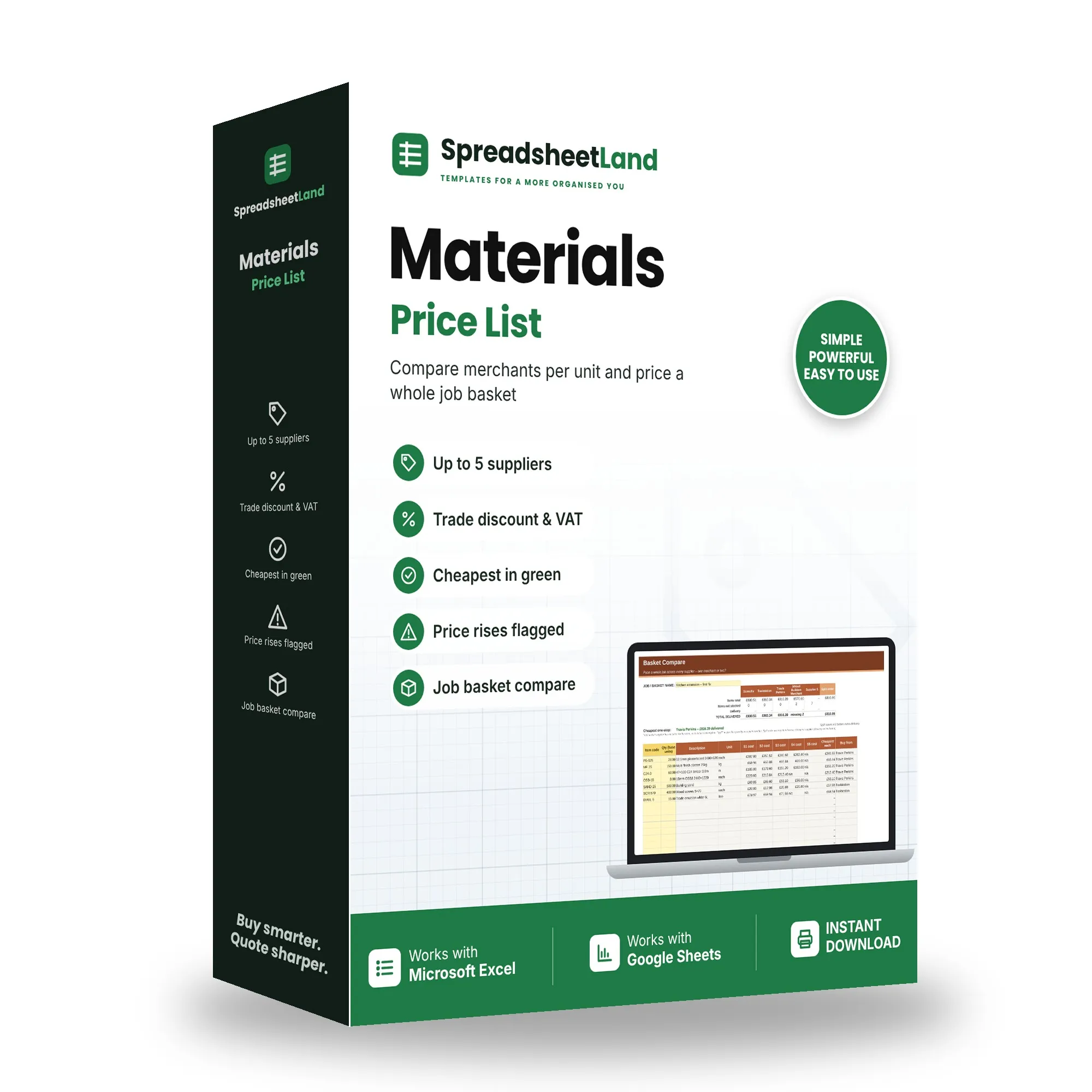
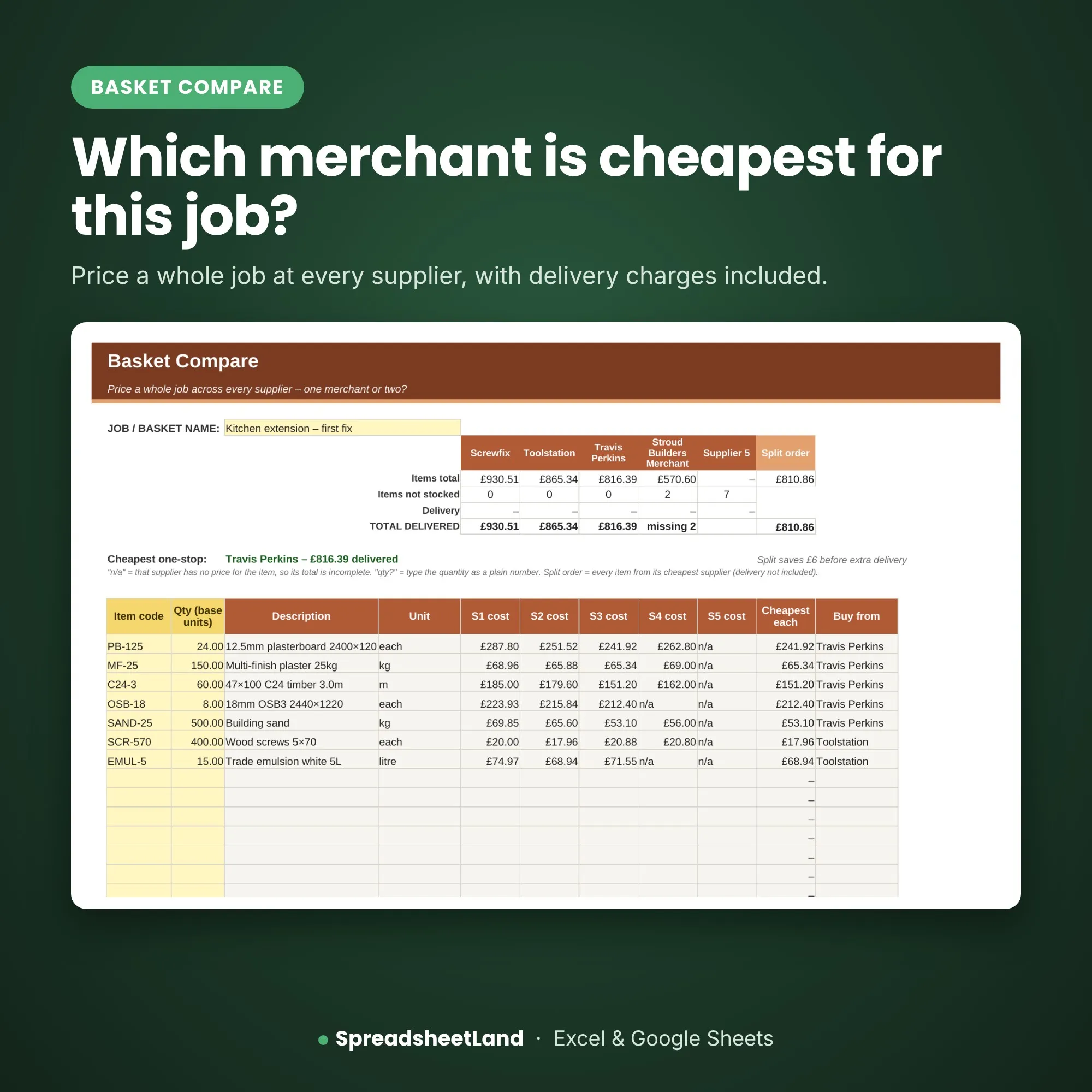
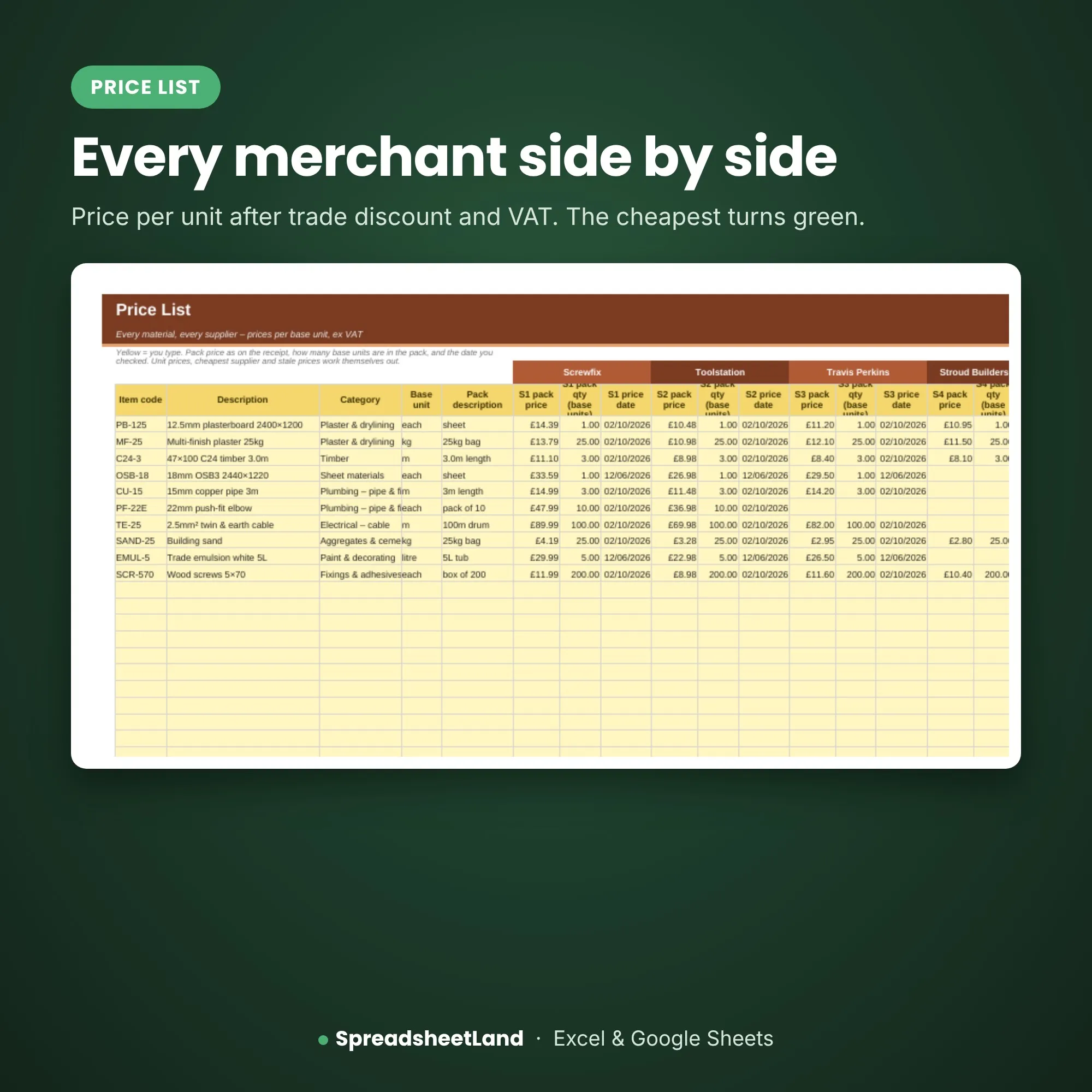
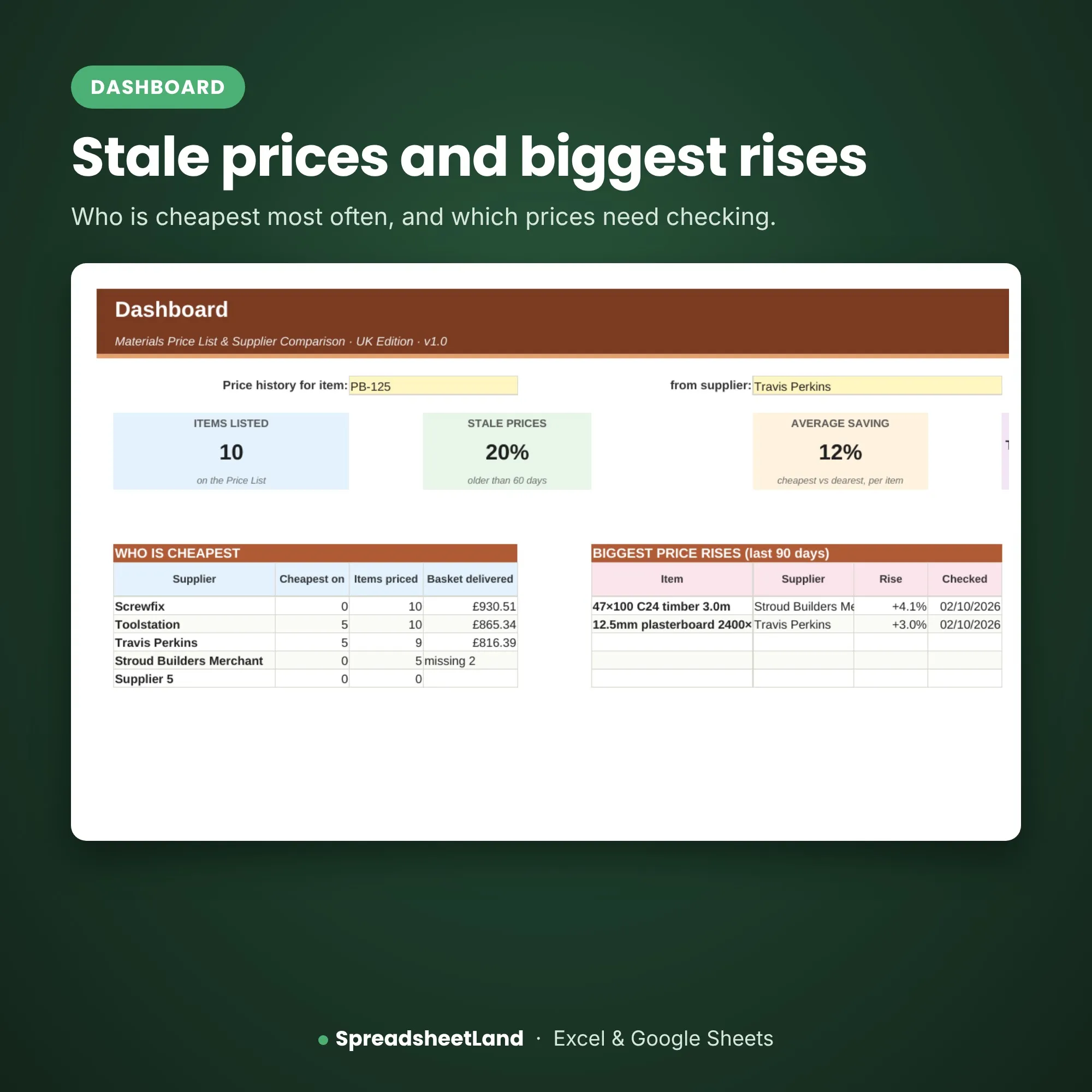
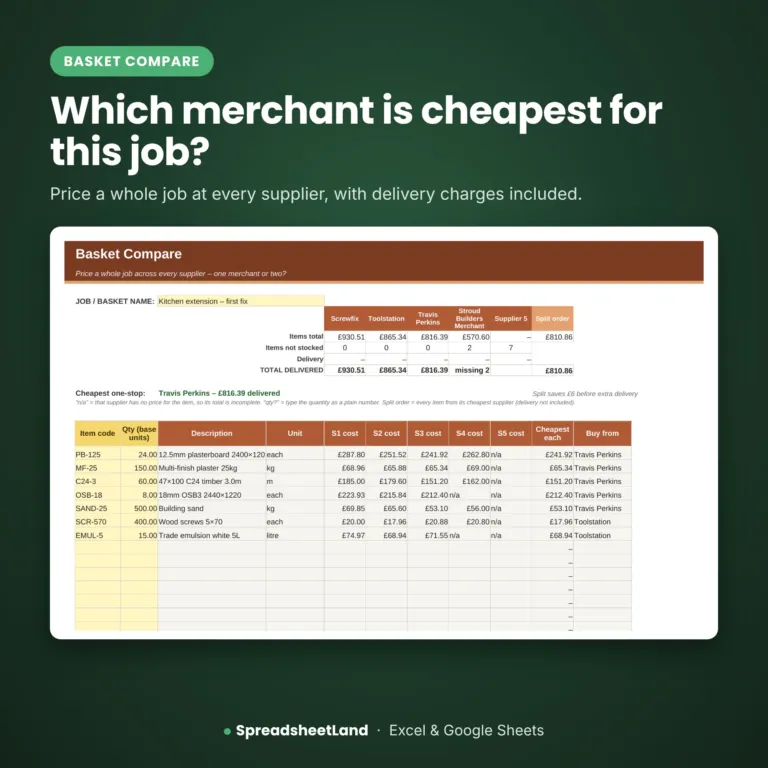
Keep one price list for everything you buy, with up to five suppliers per item. Type the pack price and pack size and the sheet works out the price per base unit after trade discount and VAT, and turns the cheapest green. Old prices are flagged, price rises go red on the Dashboard, and Basket Compare prices a whole job at each merchant including delivery. A ready-made tab copies straight into our Quote & Estimate Builder.
What’s inside
- Start Here – what each colour means and a quick guide to every tab
- Dashboard – cheapest supplier counts, biggest price rises and stale prices
- Price List – every material with each supplier’s pack price and pack size
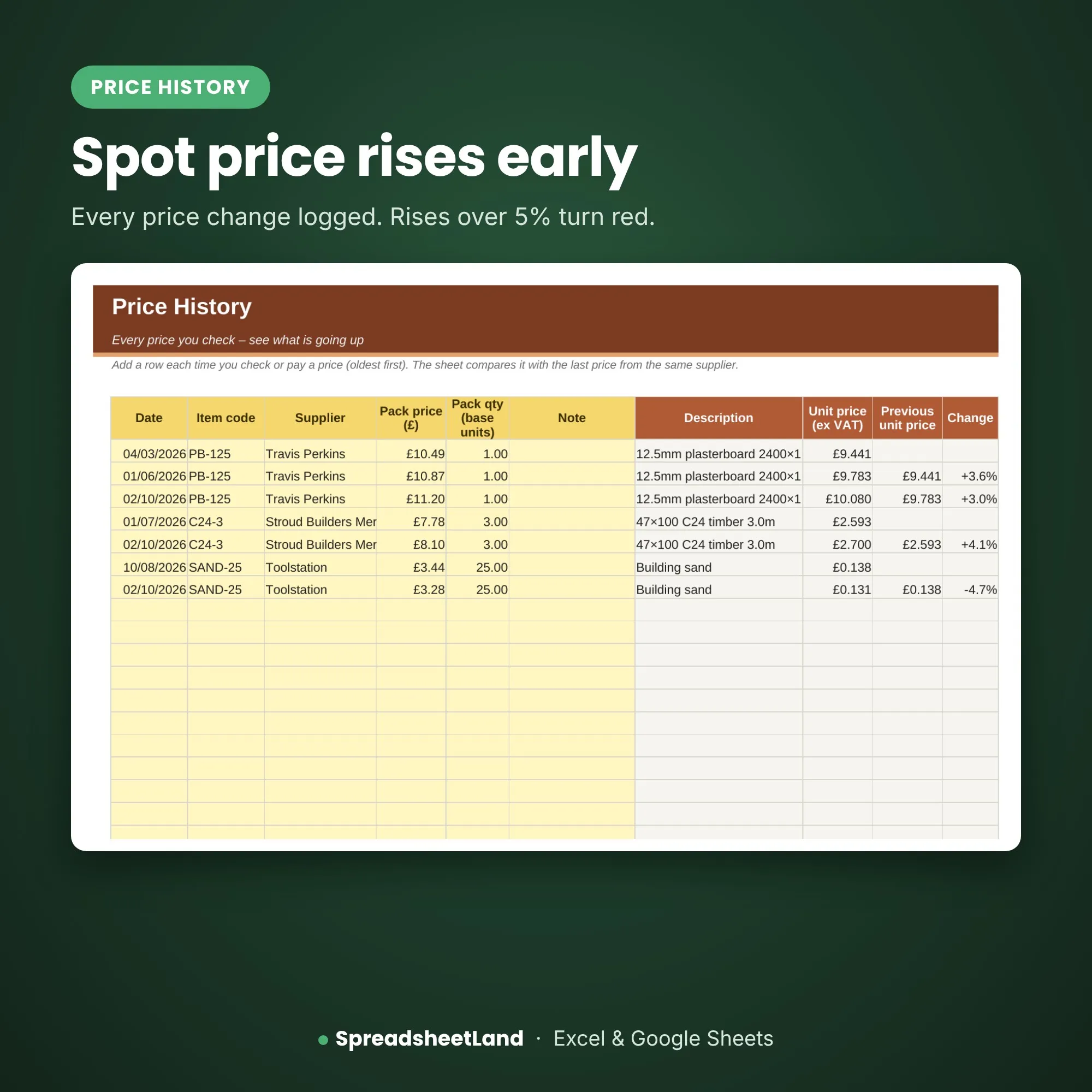
- Price History – every price change, with rises over 5% in red
- Basket Compare – price a job’s materials at each merchant, with delivery
- For Quote Builder – your prices ready to paste into the Quote & Estimate Builder
- Settings – suppliers, trade discounts, VAT and delivery charges
Format
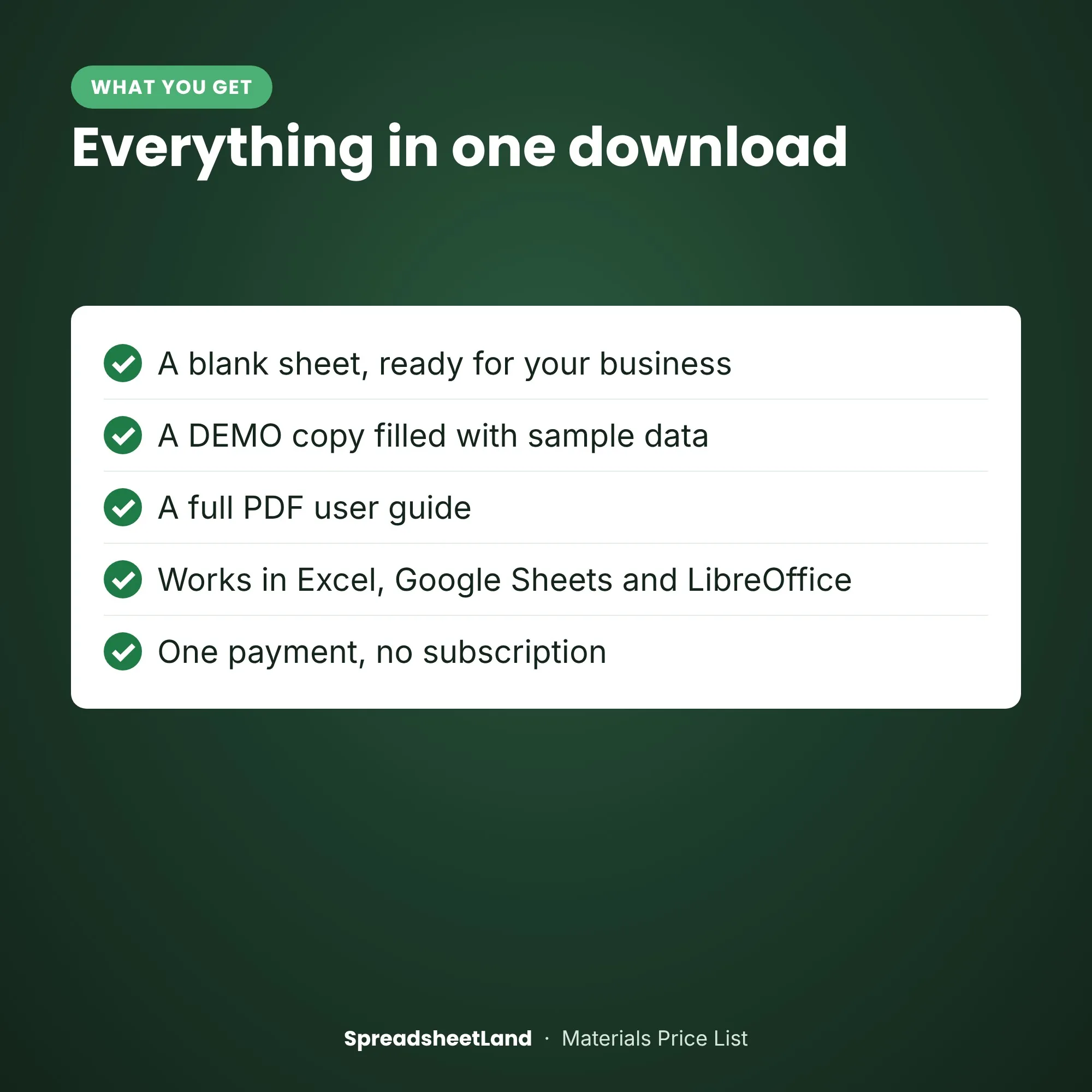
- Your blank spreadsheet (.xlsx, UK edition), ready for your business
- A filled-in DEMO copy, so you can see every tab working before you start
- A full PDF user guide: set-up, every tab explained, a routine, the rules that apply and answers to common questions
- Works in Microsoft Excel (Windows and Mac) and Google Sheets
- No macros, nothing to install, no subscription
- Yellow boxes are for you to fill in; the rest works itself out
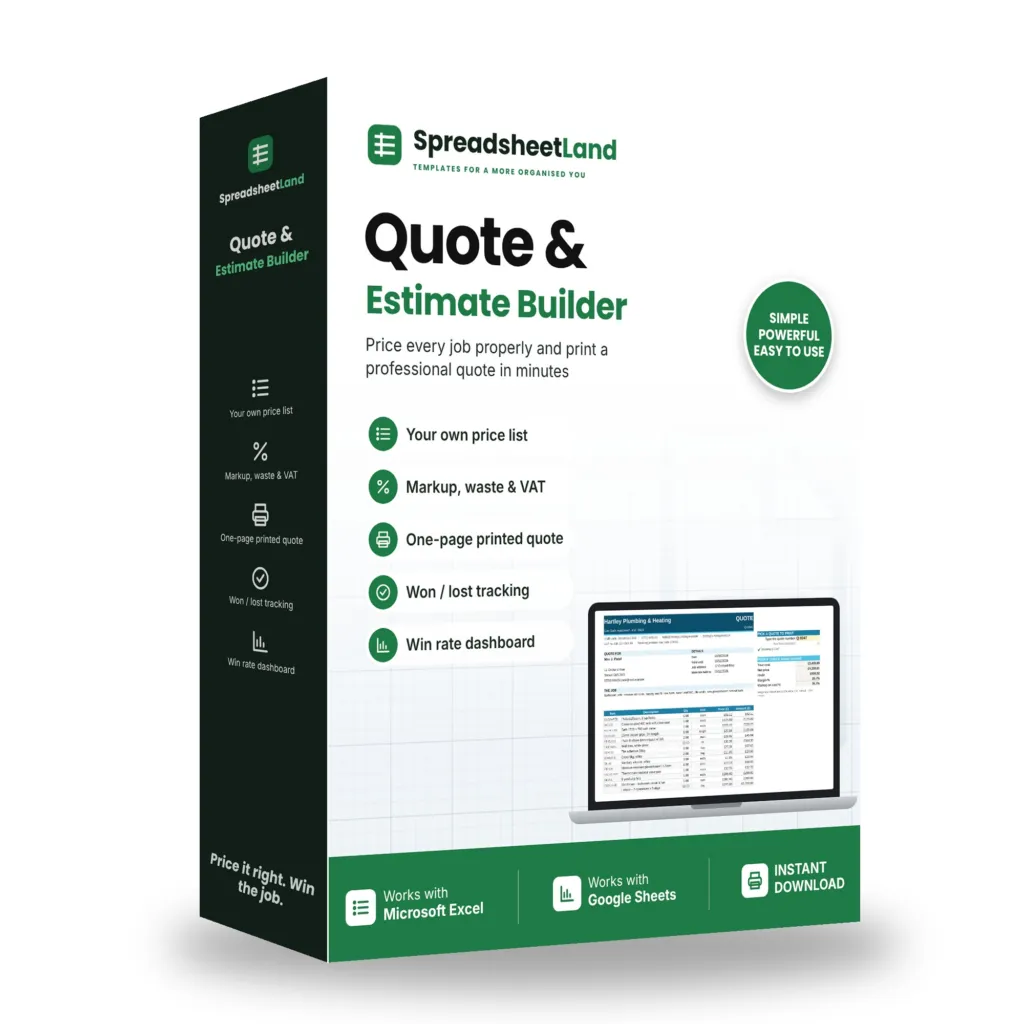
Mix & match: pick any of our trade sheets – any 3 for 15% off, any 5 for 25% off. The discount is added in your basket.
How it works
- Buy and download the file straight away.
- Open it in Excel, or upload it to Google Sheets.
- Open the example copy and the PDF guide to see how it works, then fill in Settings on your blank copy and start typing your own.
Please note
This is a digital product — nothing will be posted. A record-keeping spreadsheet. Prices are what you type in – check them with your merchants. For use in your own business only — please don’t resell or share the file.
Questions before you buy? Email hello@spreadsheetland.com — happy to help!
Materials Price List FAQ
Do I need the Quote & Estimate Builder too?
No, it works on its own. If you have both, one tab copies your prices straight across.
Does it get prices from the merchants for me?
No – you type in the prices from your invoices, quotes or trade accounts.
Can I mix prices with and without VAT?
Yes – set each supplier on Settings and the sheet compares like for like.
Do I need Microsoft Excel?
No. It works in Microsoft Excel, or free in Google Sheets.
Is it a subscription?
No. It is a one-off payment and the file is yours to keep. There are no monthly fees.
I’m not good with spreadsheets. Is this for me?
Yes. You type into the yellow boxes and everything else works itself out. There are no formulas to write, and the PDF guide walks you through it.
Can I see it before I buy?
Yes. Look through the screenshots above. Your download includes a filled-in DEMO copy and a full PDF guide as well as the blank spreadsheet.
Does it work on a Mac, iPad or phone?
Yes on a Mac: use Excel for Mac, or open it free in Google Sheets in your web browser. On an iPad or phone you can open it in the free Excel or Google Sheets app, but a computer is easier for setting it up.
Can I get a refund?
Because it is an instant digital download, I can’t offer a refund once the file has been downloaded. If the file is faulty and I can’t fix it, you were charged twice, or you received the wrong product, I will put it right or refund you. See the Refund Policy. This doesn’t affect your statutory rights.
How do I get my file?
It is an instant digital download. You will get a download link straight after checkout, and by email.
What if I get stuck?
Email hello@spreadsheetland.com and I will help you get set up.


Reviews
There are no reviews yet.