


Description
Stop worrying about your deposit at the end of every tenancy. This is the problem solver: one spreadsheet that records the condition of every room and item at check-in and check-out, so you’re protected if a dispute ever comes up.
SOUND FAMILIAR?
– A check-in inventory that was a few rushed notes on your phone
– No photo evidence to back up a damage claim months later
– No idea what a replacement item will actually cost you
– A tenancy folder full of loose paper, texts and phone photos
– Handover day chaos – meter readings, keys and signatures scribbled on whatever’s to hand
None of that is a “you” problem, it’s a missing system problem. This template fixes it.
THE FIX: ALL IN ONE SHEET
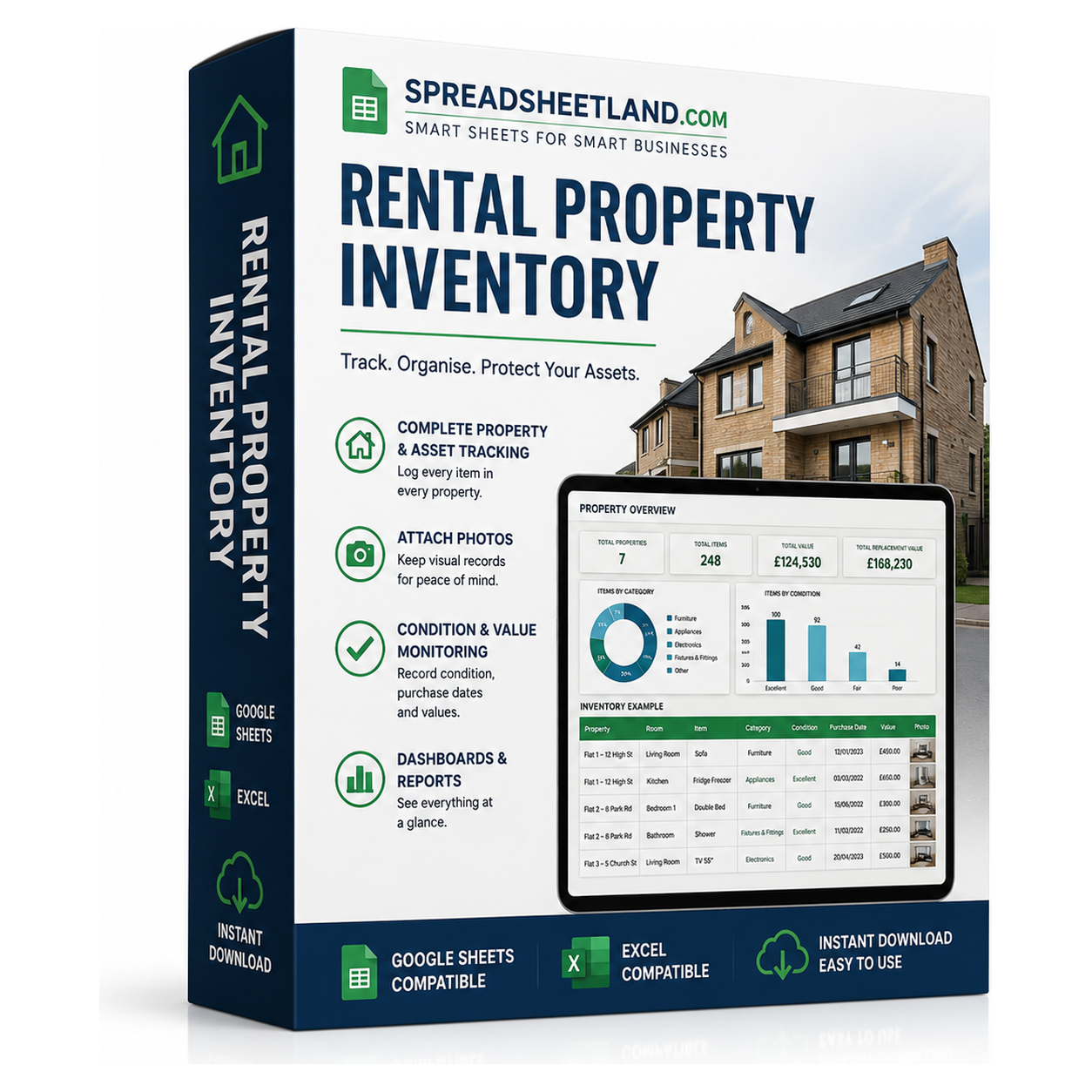
The Rental Property Inventory Command Centre puts your full room-by-room inventory, photo evidence, replacement costs, meter readings and a live dashboard into one spreadsheet that does the maths for you. No formulas to write, just fill in the coloured cells.
BONUS: SEE IT IN ACTION
Your download includes a second file too – a fully filled-in example property with 100 inventory items, condition notes and a completed handover already entered, so you can see exactly how everything looks and works before you add your own details.
WHAT’S INSIDE
– Dashboard — total items logged, items needing attention and total replacement value at risk, all at a glance, plus a condition breakdown chart.
– Inventory — 100 editable lines across 10 preset room areas, with item, quantity, cleanliness, check-in and check-out condition dropdowns, replacement cost and an automatic value column in your chosen currency.
– Attention flags — anything marked Poor, Damaged or Missing at check-out is flagged automatically, so nothing gets missed.
– Photo Evidence register — a P01–P100 photo reference matched to every inventory line, with spaces to paste your check-in and check-out photos.
– Handover & Meters — property handover details, electricity/gas/water meter readings at check-in and check-out, keys and fobs issued/returned, and a sign-off section.
– Currency selector for GBP, USD, EUR, AUD, CAD, NZD and JPY — every value updates automatically.
– Start Here guide — a plain-English walkthrough of every tab, built into the workbook.
Every number flows automatically from your Inventory tab – log an item once, and the Dashboard, condition chart and value totals all update themselves. No macros, no add-ons, no subscription.
FORMAT
Instant digital download – works in Microsoft Excel, Google Sheets and LibreOffice, on Mac, PC, Chromebook or tablet. Nothing to install.
HOW IT WORKS
1. Purchase and download the file
2. Open it in Excel or upload it to Google Sheets
3. Follow the Start Here tab and choose your currency
4. Enter each room and item, then log its condition at check-in – update again at check-out and everything else updates itself
PLEASE NOTE
This is a digital product – no physical item will be shipped or posted. This spreadsheet is an organisational record-keeping template – it does not replace signed tenancy documents, a professional property inspection or legal advice. For personal/business use only, please don’t resell or share the file.
Questions before you buy? Message me any time, happy to help!